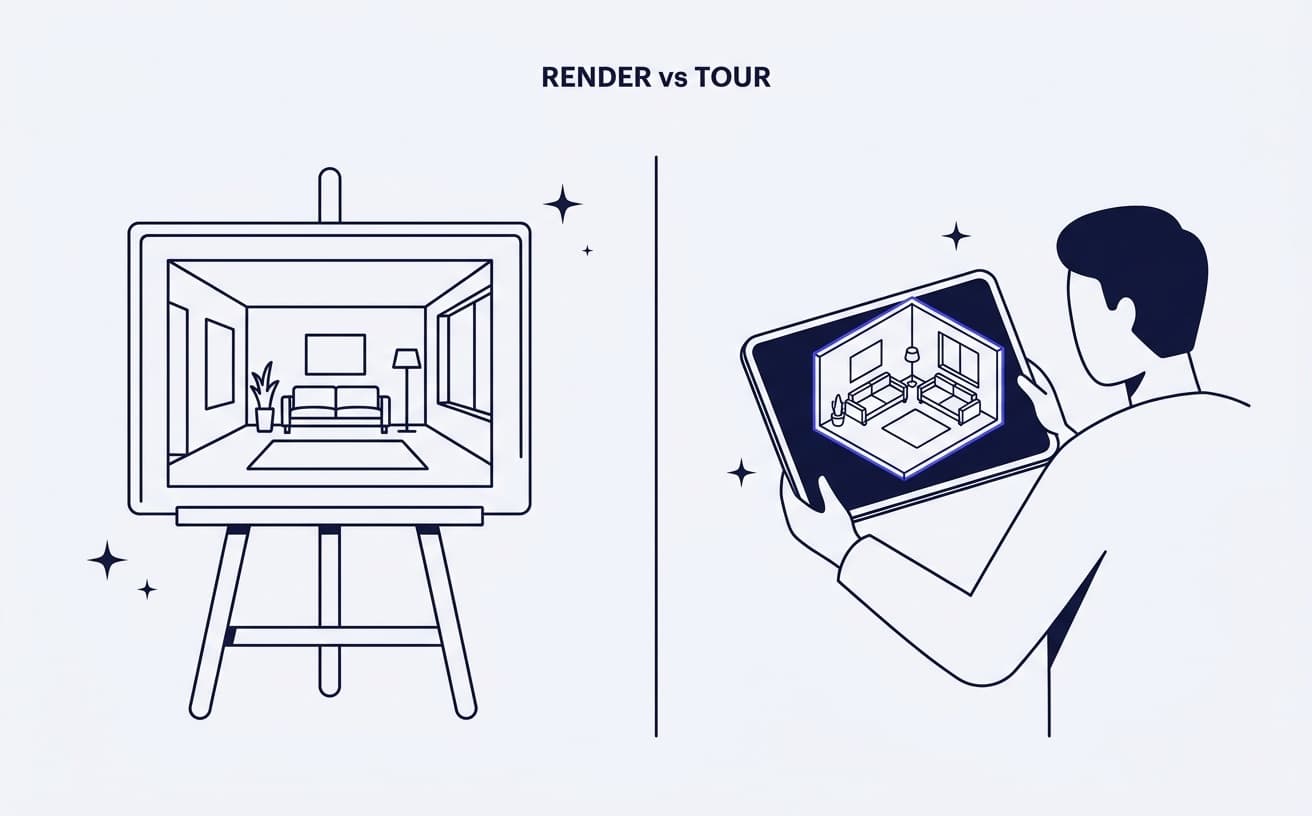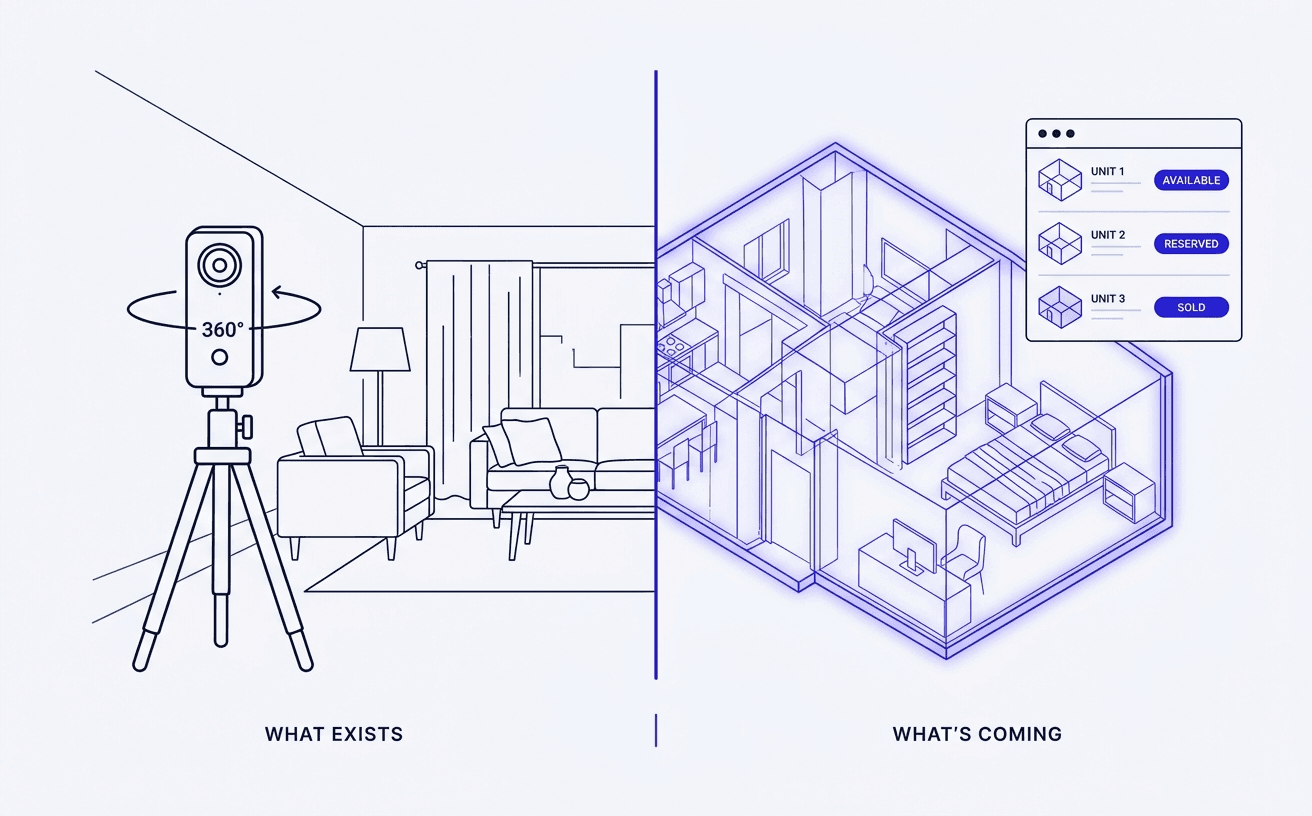
There are two completely different ways to make a virtual tour for real estate, and picking the wrong one wastes a lot of time. The right method depends on one question: does the property physically exist yet?
If it's a finished home, you capture it. If it's an off-plan or pre-construction unit, there's nothing to point a camera at, so you build the tour from 3D instead. This guide covers both.
First, decide which kind of tour you need
- Finished or resale property → capture the real space with a 360° camera or scanner.
- Off-plan / pre-construction → create the tour from renders and 3D models, because a camera has nothing to shoot.
Most how-to guides only cover the first case. If you sell new developments, skip to the second.
Method 1: Capturing a finished property
1. Get the space ready
Treat it like a photo shoot. Declutter, turn on every light, open blinds for natural light, and hide cables, bins and personal items. A tidy space reads as a bigger, better one.
2. Choose your capture kit
Your options range from cheap to pro:
- A 360° camera (e.g. Insta360, Ricoh Theta) on a tripod — affordable and quick.
- A dedicated scanner (e.g. Matterport, Giraffe360) — higher fidelity and automatic floor plans, at higher cost.
- A phone app — fine for a rough tour, weaker on quality.
3. Shoot each room
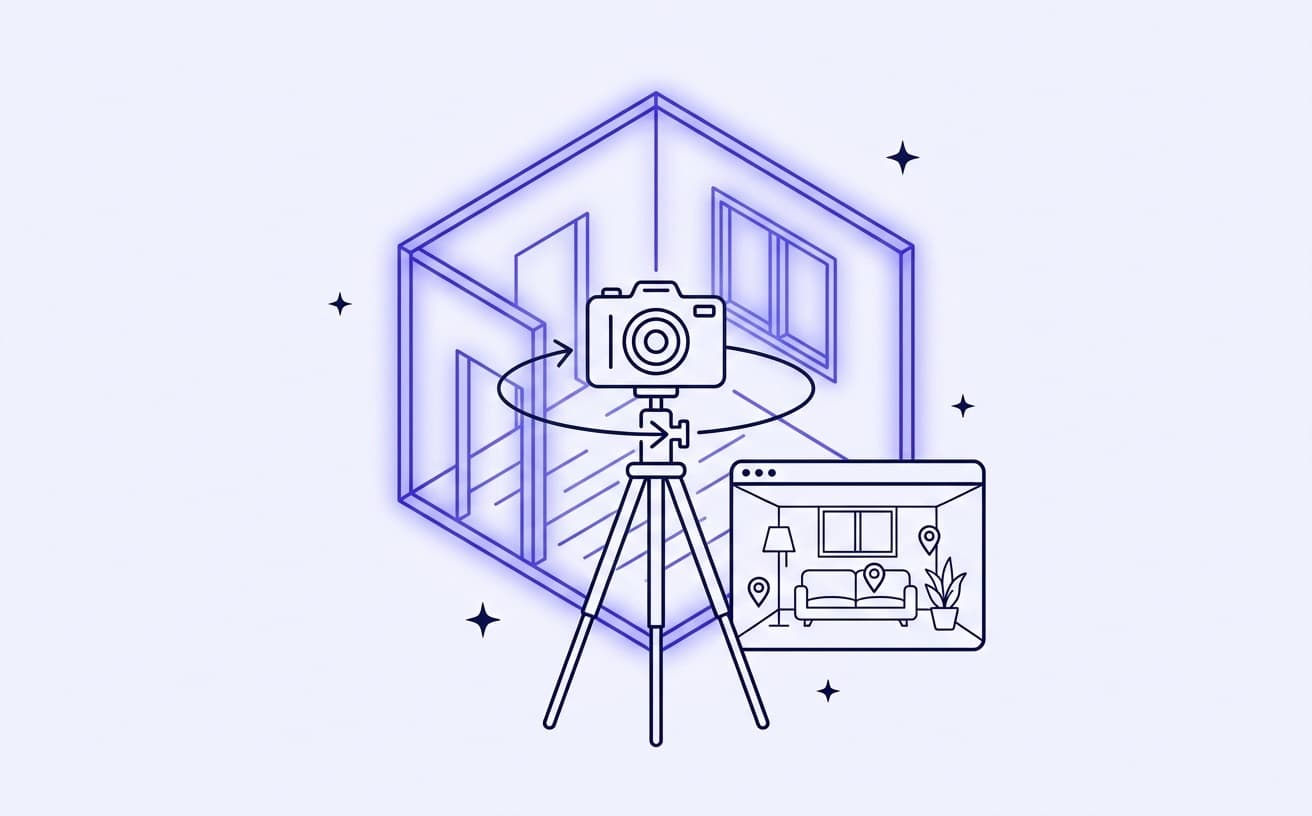
Place the tripod near the centre of the room, keep it at roughly eye level, and shoot from a couple of positions in larger rooms so there are no blind spots. Stay out of frame or step behind a wall while it captures.
4. Stitch and link the scenes
Upload the shots to your tour software. It stitches each 360° panorama and lets you connect rooms so a viewer can walk from one to the next. Add hotspots for anything worth explaining.
5. Publish and share
Export a link you can embed on a listing, send by email, or drop into your development's viewer.
Method 2: Creating an off-plan tour (nothing to scan yet)
When the building isn't built, capture tools are useless — you can't photograph a room that doesn't exist. Off-plan tours are made from 3D instead.
1. Start from your renders and 3D model
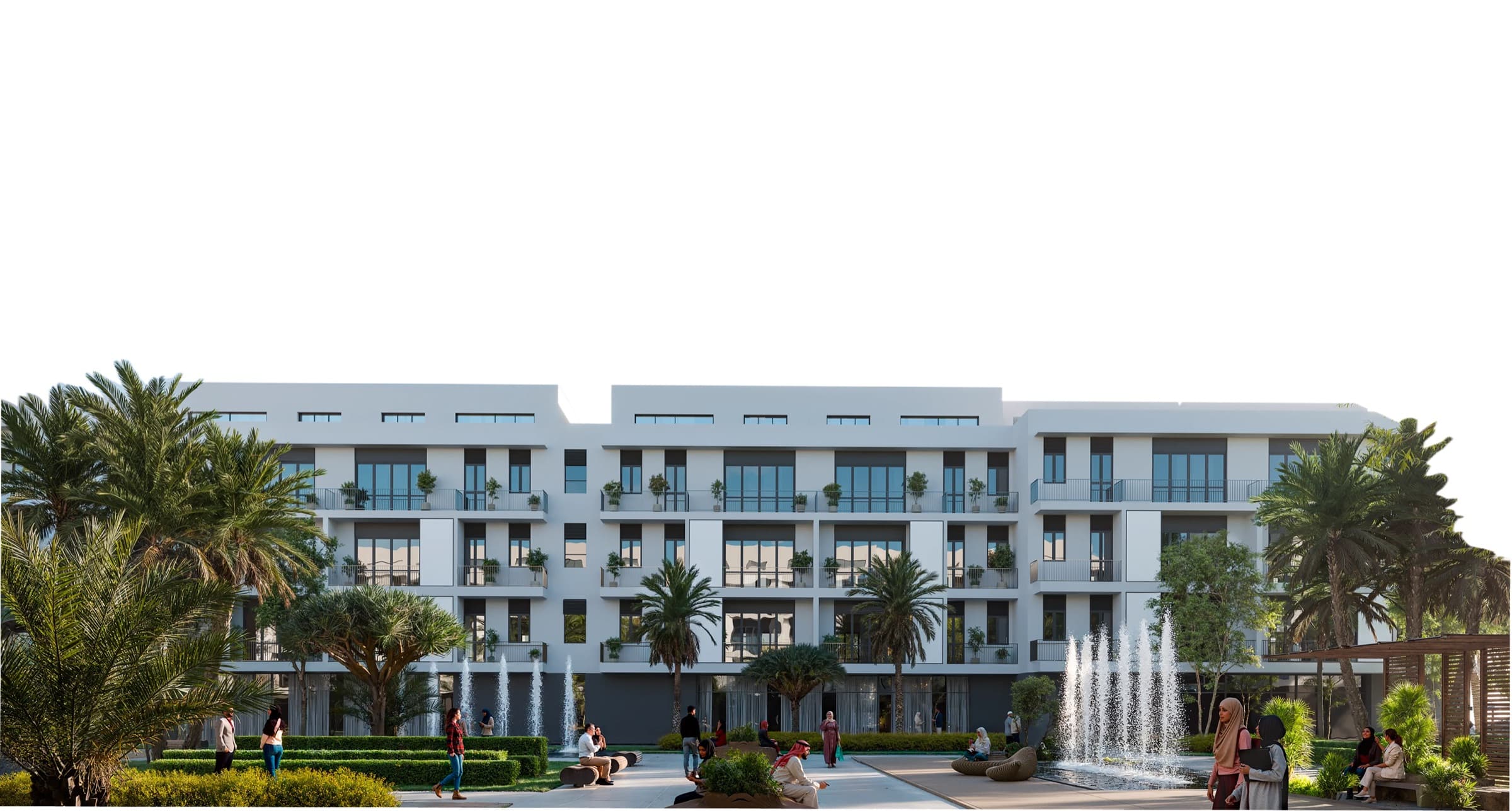
The visualisation you already commissioned — the exterior renders, interior CGI, the 3D building model — is your raw material. If you don't have it, a visualisation studio (or a platform with an in-house studio) produces it.
2. Turn interiors into navigable scenes
360° panoramas are rendered from the 3D interior so a buyer can look around a unit that only exists in the model. The output feels like a captured tour, but every pixel is rendered.
3. Wire the tour into the sale
This is where off-plan tours earn their keep. Link scenes to interactive floor plans, spec sheets, real-time availability and an inquiry form, so the moment a buyer is convinced they can act without leaving the tour.
4. Keep it on your brand and your site
Embed the tour in your own website rather than sending buyers off to a third-party player, so the experience stays yours.
Capture vs. render, side by side
| Finished property | Off-plan property | |
|---|---|---|
| Method | 360° capture / scan | Rendered from 3D |
| Main tool | Camera or scanner | Renders + viewer platform |
| Biggest cost | Shoot time | Visualisation |
| Ties to inventory? | Rarely | Should — availability, specs, leads |
Common mistakes to avoid
- Scanning to sell off-plan. It can't be done, and trying wastes weeks. Use 3D.
- A tour that dead-ends. If a buyer can't inquire or check availability from inside the tour, you've made a nice demo, not a sales tool.
- Sending buyers off-site. A tour hosted on someone else's domain leaks attention and trust.
- Poor lighting (capture) or flat renders (off-plan). Either way, the visual quality is the product.
FAQ
How do I make a virtual tour for real estate? For a finished home, capture each room with a 360° camera or scanner and stitch the panoramas into a connected tour. For an off-plan unit, render the tour from your 3D model and renders instead, then wire it to floor plans, availability and lead capture.
What equipment do I need to create a virtual tour? For real spaces, a 360° camera or scanner and a tripod, plus tour software. For off-plan, you don't need a camera at all — you need renders, a 3D model and a viewer platform that can turn them into navigable scenes.
Can you make a virtual tour of an unbuilt property? Yes. You build it from 3D renders rather than camera capture, which is exactly how developers show off-plan and pre-construction units before anything is built.
How much does a real estate virtual tour cost? Capture tours range from very cheap (a consumer 360° camera) to a few hundred per property with a pro scanner. Off-plan tours are priced as part of visualisation work, since the cost is in the 3D, not the shoot.
Should I embed the tour on my own website? Yes. Embedding keeps visitors on your brand and domain, and lets the tour sit alongside live availability and inquiry capture instead of on a third-party player.