Manage your projects from Claude or ChatGPT
Set up a project, import your 3D artist's delivery, check for problems and update prices by chatting.
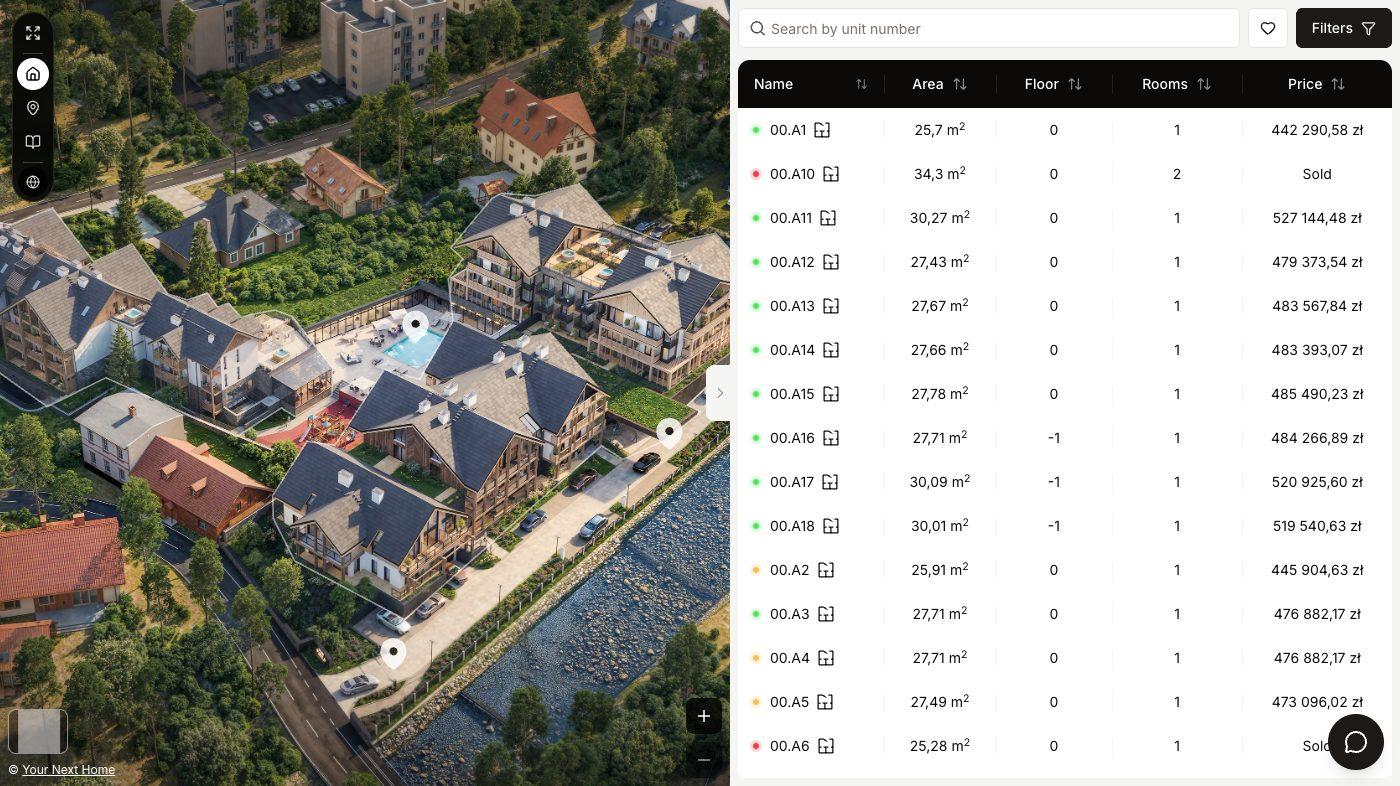
YourNextHome has its own MCP server. Connect it to Claude or ChatGPT and you can work on your projects in plain language: create a project with its buildings and units, bring in the files your 3D artist delivered, ask what is still wrong before launch, or change prices and statuses across many units at once.
The assistant signs in as you and reaches the same organizations and projects you can open in the dashboard, and nothing else. When you connect, you choose between view only and allowing changes. With view only, it can look at projects, units, clickable areas and 360° views and check them for problems, but it cannot change anything.
Bulk updates and anything that deletes data are shown to you as a full list of changes first, and nothing is saved until you confirm in the chat. Every action the assistant takes is recorded under Settings, AI assistants, Recent AI activity, so your team can see what was changed and when.
You don't need an API key or any code. You paste one connection URL into Claude or ChatGPT, sign in to YourNextHome and click Allow.
What you can ask it to do
What stays in the dashboard
Some things the assistant cannot do on purpose. It cannot start a subscription, open checkout or change your plan. It cannot create, show or revoke API keys, and it cannot invite, remove or change the role of team members.
To end an assistant's access, open Settings, AI assistants in the dashboard and click Disconnect next to the app. It loses access straight away.
Which assistants can connect?
Claude (claude.ai, Claude Desktop and Claude Code) and ChatGPT. In ChatGPT, custom connectors depend on your plan and need developer mode turned on.
Do I need an API key or a developer?
No. You add a custom connector with the connection URL https://api.yournexthome.app/api/v1/mcp, sign in to YourNextHome and click Allow.
Can the assistant change things without asking?
Only if you allowed changes when connecting. Even then, bulk updates and deletions are shown as a full list first and applied only after you confirm in the chat.
How do we know what the assistant did?
Every action is recorded in Settings, AI assistants, Recent AI activity in the dashboard.
Does it cost extra?
No. The MCP server is part of the same subscription per project. You need your own Claude or ChatGPT account.
How long does it take to get a project live?
You set the project up yourself in the dashboard. With your unit list, floor plans and images ready, that takes about 30 minutes from scratch, and a large project can take up to 24 hours to process its data. If you don't have renders, 360° captures or walkthroughs yet, our studio can produce them for you, quoted per project.
Do we need developers or technical staff to use it?
No. Units, prices, statuses, media and copy are managed in the dashboard, or by chatting with Claude or ChatGPT once you connect them. Connecting your own domain or pasting the embed snippet into your website are the most technical steps, and both are guided.
Can we match our own branding and use our own domain?
Yes. You set the viewer's colours, typography and layout per project, and each project can be served from your own domain or subdomain or embedded in your existing website.
Can we update content ourselves after launch?
Yes. Availability, prices, media and copy are edited in the dashboard and show in the viewer straight away, with no redeploy and no request to us.
How is it priced?
One flat subscription per project: $400 a month, or $4,000 a year, which works out to two months free. There is no setup fee, and billing starts when the project goes live. If you cancel, the project goes back into preview mode.
Who owns the enquiries and buyer data?
You do. Every enquiry a buyer sends lands in your dashboard, and you can pull it into your own systems through the API, webhooks or one of the integrations.