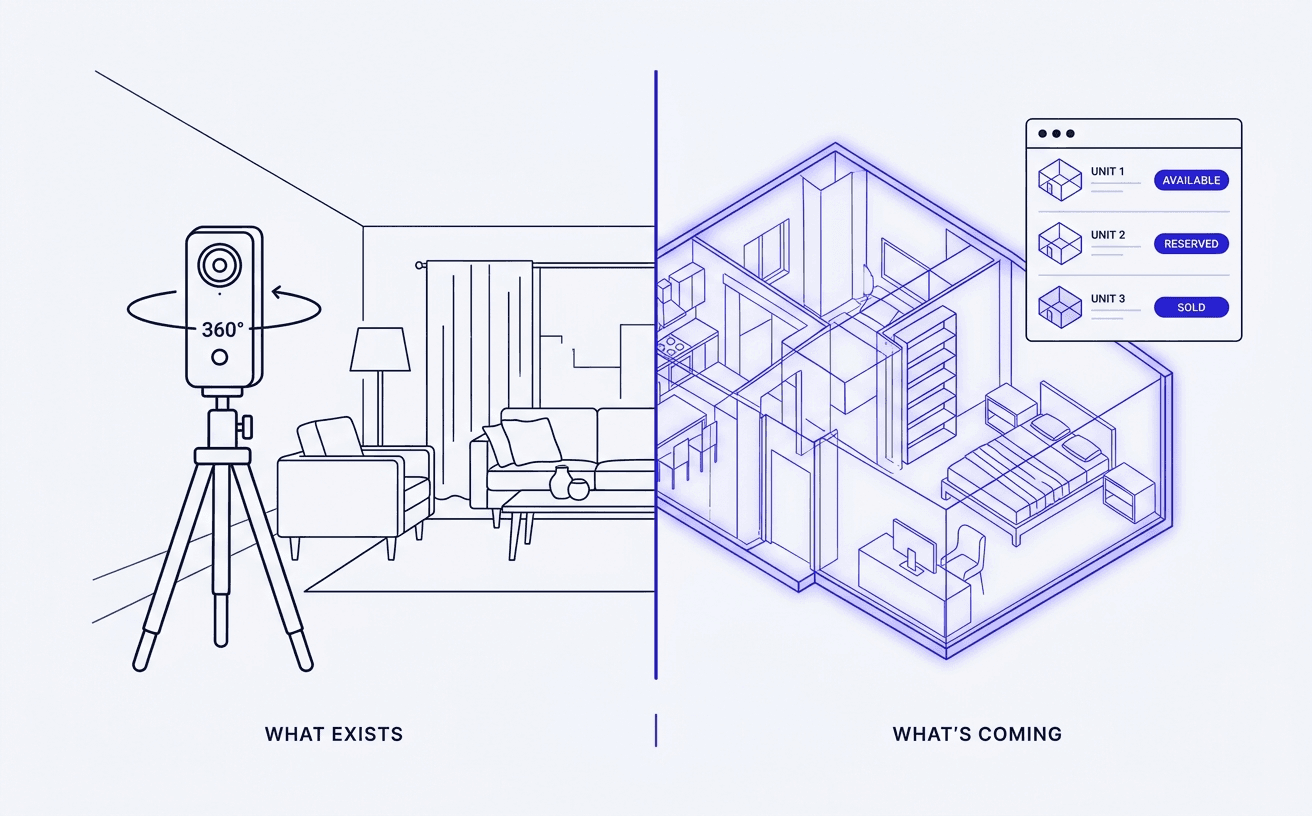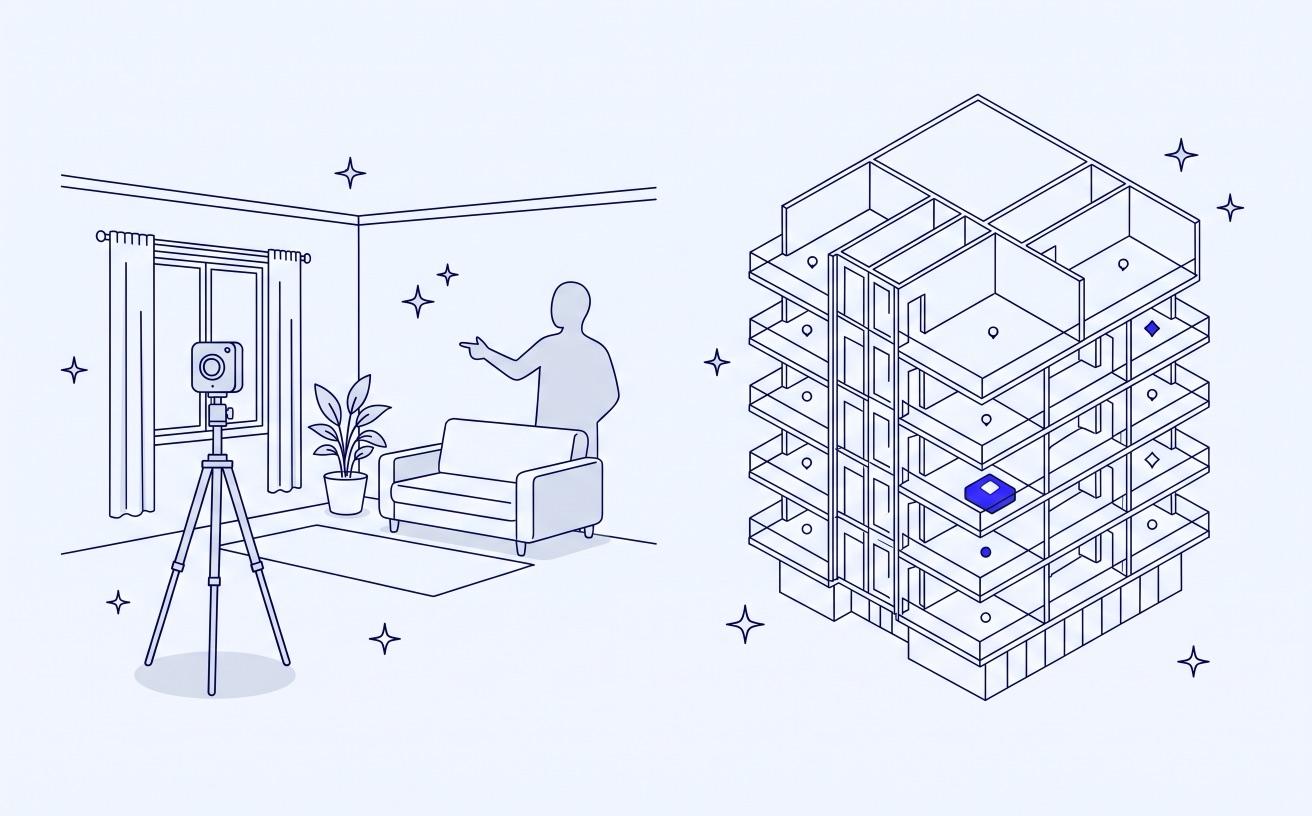
If you are looking for a Matterport alternative because you sell new developments, the first question is whether the building exists yet. Matterport creates its tours by capturing a physical space with a camera or phone, so it works for a finished show apartment and cannot help with a unit that is still a set of drawings. For off-plan sales you need software that builds the experience from renders and floor plans instead. This guide sorts the realistic Matterport alternatives by what they need as input, then compares them on branding, embedding, unit availability and pricing model.
We have already published a broader comparison of virtual tour software for real estate developers, which looks at the off-plan sales platforms (Prompto, 3D Estate, Aareas, EyeSiteView, Unlatch) feature by feature. This article answers a narrower question that usually comes earlier: you know Matterport, it may already be in use for your completed phases, and you want to know what to use for everything it does not cover.
What Matterport is built to do
Matterport is a capture platform. You scan a space with its Pro3 camera, a supported 360 camera from makers such as Ricoh or Insta360, or a recent iPhone or Android phone through the Matterport Capture app. The software stitches those scans into a walkable 3D model, sometimes called a digital twin, with measurements and a dollhouse view. Plans are sold as subscriptions sized by the number of "active spaces" you can host at once, with a free tier for a single space and paid tiers above it.
That model is a good fit for a show home, a completed phase you are still selling, or a resale and rental portfolio. Capture quality is high, buyers recognise the format, and the tour can be embedded on a web page with the share code Matterport provides.
The constraint is the input. Every Matterport tour starts with a physical room in front of a camera. A developer launching sales a year or more before completion has no room to scan, and that is the period when most of the inventory needs to sell.
Two kinds of Matterport alternative
The useful way to split the market is by what each tool needs from you.
Capture-based alternatives need a finished space, like Matterport. They compete on hardware, price, editing and output such as floor plans. They solve the same problem in a different way, so they do not help with off-plan stock.
Render-based alternatives start from computer-generated imagery: 360 panoramas exported from 3ds Max, V-Ray, SketchUp, Blender or similar tools, plus floor plans and a 3D model of the building. Some of these are general tour builders that will host any panorama you give them. Others are platforms built for developers, where the tour is one part of a sales tool that also knows which units are available.
The rest of this article goes through each group.
Capture-based alternatives: useful once the building stands
Giraffe360 is the best-known capture alternative in residential property. Its top plan bundles a robotic camera with an auto-height tripod, virtual tours, floor plans and point clouds, and its lower plans cover editing, virtual staging and hosting for media you already have. It is aimed at agents, brokerages and media providers, and plans are capped by the number of projects per year. Giraffe360 does not publish prices on its pricing page, so expect a quote or sign-up flow, and check the commitment term before signing.
For a developer, a capture tool like this is worth having for completed phases, a marketing suite or amenities that are already built. It will not help with the units that only exist in the drawings, for the same reason Matterport does not.
Render-based alternatives: tour builders that accept CGI
If your visualisation studio already produces 360 renders, a general-purpose tour builder is the cheapest way to put them online. You upload equirectangular panoramas, link them with hotspots, add a floor plan for orientation and publish.
Kuula is a hosted, browser-based option. Its documentation states that it supports panoramas made in 3D and architectural software as long as they are equirectangular JPG, PNG or WEBP files, and it recommends its high-quality compression setting for 360 renders. Tours embed on your own site, and the Business plan adds tours under your own domain, per-client logos and password-protected tours. Pricing is a monthly subscription; third-party listings put Business in the region of a few tens of dollars a month, but Kuula's own pricing page should be checked as figures differ between sources.
3DVista Virtual Tour Pro is desktop software rather than a hosted service. It explicitly supports render panoramas from V-Ray, 3ds Max and SketchUp, lets you place clickable floor plans over a tour, and lets you upload finished tours to your own server or use its optional hosting. It is sold as a one-time licence (listed at around 499 euros at the time of writing) with yearly fees only if you use 3DVista's hosting.
Both are good at what they do, which is presenting panoramas. What neither gives you is a link between the tour and your inventory. A unit shown in a Kuula or 3DVista tour does not know that it was reserved this morning, and an inquiry from that tour arrives as a generic message with no record of which unit the buyer was looking at. For a single show apartment that matters little. For a building with a hundred units on sale, it means the tour and the price list drift apart and your team keeps both up to date by hand.
Render-based alternatives: developer sales platforms
The third group is software built specifically for selling a development before completion. These platforms use the same render and floor plan inputs, but the tour sits inside a viewer that also shows the building, every unit, its status and its price. Prompto, 3D Estate, Aareas Interactive and EyeSiteView all work this way with different emphases, and our developer software comparison covers each of them.
YourNextHome belongs to this group. Virtual tours of show units, lobbies and amenities can be built from renders or from photography, and they sit inside a branded viewer with a 3D building model, interactive floor plans and real-time availability read from the same inventory your sales team edits. Hotspots inside a tour can open a spec sheet, a floor plan or an inquiry form, and each inquiry lands in the YourNextHome dashboard tied to the unit it came from. The viewer can be embedded in your existing website or served from your own domain. Pricing is published: one subscription per project at $400 a month or $4,000 a year, with no setup fee, and billing starts when the project goes live.
Comparing the options
The table summarises the differences that usually decide the choice. The prose above explains each row.
| Input needed | Branding | Embedding | Unit availability | Pricing model | |
|---|---|---|---|---|---|
| Matterport | Scan of a built space | Matterport viewer | Embed code | No | Subscription by active spaces |
| Giraffe360 | Scan of a built space | Agent and property websites | Hosted pages and links | No | Subscription, capped by projects |
| Kuula | Any 360 image, renders included | Own logo and domain on Business | Embed code | No | Monthly subscription |
| 3DVista | Any 360 image, renders included | Own branding, self-hosted | Self-host or embed | No | One-time licence, optional hosting |
| Other developer platforms (Prompto, 3D Estate, Aareas, EyeSiteView) | Renders, floor plans, 3D model | Per-project branding | Embed or own domain | Yes, live | Varies, often per project or on quote |
| YourNextHome | Renders, floor plans, unit list | Per-project branding, own domain | Embed snippet or own domain | Yes, live | $400/month or $4,000/year per project, published, no setup fee |
Two points from that comparison deserve attention. Matterport and Giraffe360 are the only options that cannot work without a finished space, so they belong in the plan for completed stock and nowhere else. And only the developer platforms keep the tour connected to availability and lead capture, which is the part that costs sales teams time when it is missing.
How to choose
Start from the stock you are selling over the next 12 to 24 months.
- Mostly completed units or a show home. Matterport or Giraffe360 will give you the best photographic result, and the price is predictable.
- Off-plan, small scheme, renders already produced. A tour builder such as Kuula or 3DVista puts your renders online cheaply. Plan for someone to keep availability and pricing current on the website by hand.
- Off-plan, dozens or hundreds of units, a sales team taking inquiries. A developer platform that combines renders, floor plans, live availability and unit-level inquiries removes the manual reconciliation. Our page on pre-selling off-plan units shows how that works in YourNextHome, and you can book a demo to see it on your own project.
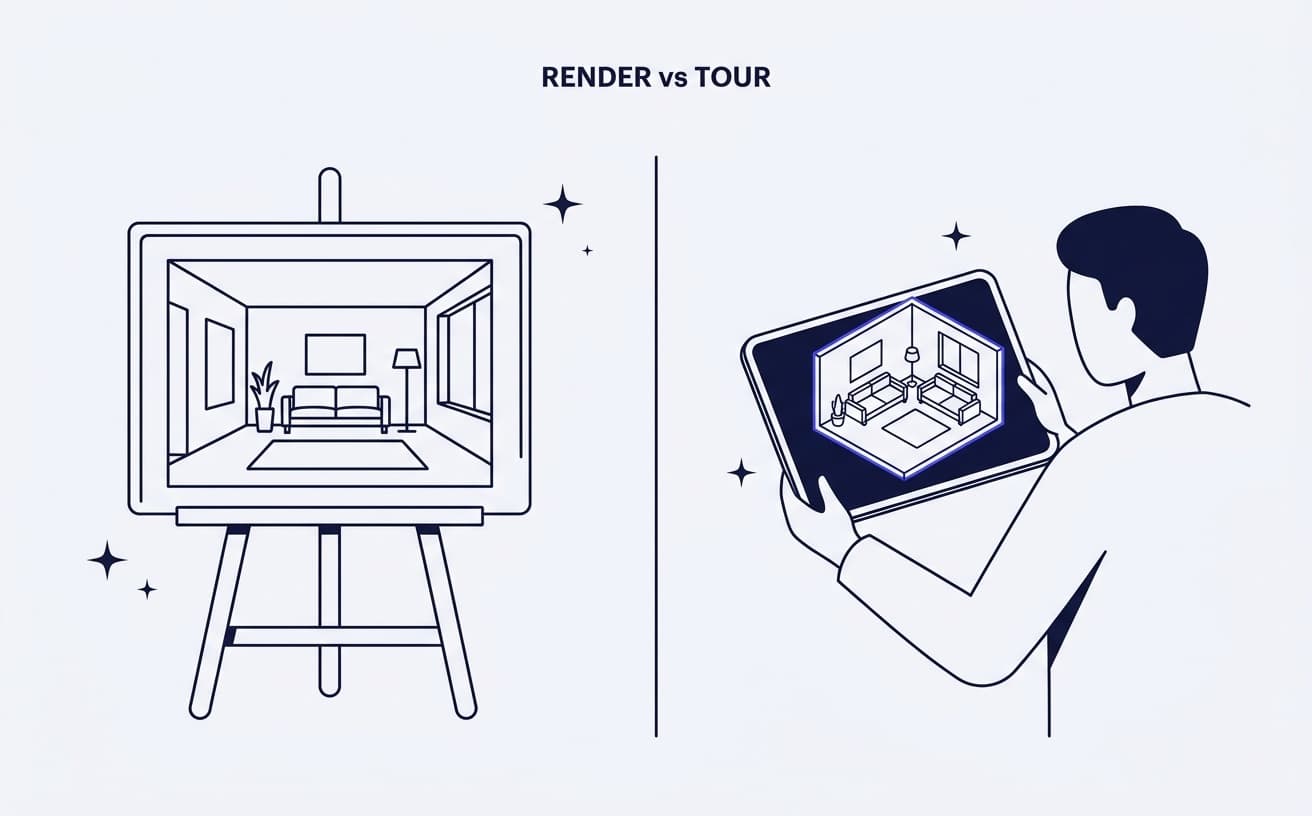
Many developers end up using two tools: a render-based platform from launch, and a capture tool added later for the show apartment or the finished building. That is a reasonable setup, provided the capture tour is linked from the same place buyers already browse units, so they do not have to switch between two websites. If you are deciding how much to spend on renders versus real capture in the first place, our piece on renders versus real 3D tours covers that trade-off.
FAQ
What is the best Matterport alternative for off-plan property? One that works from renders, since there is nothing to scan before construction. For a small scheme, a tour builder such as Kuula or 3DVista can host 360 renders. For a larger development with a sales team, a developer platform that links the tour to live unit availability and inquiries usually fits better.
Can Matterport be used for a building that is not built yet? Not directly. Matterport tours are created by capturing a physical space with a camera or phone, so there must be a finished room to scan. Developers usually use Matterport later for a show apartment or completed phase.
Can I use my architectural renders as a virtual tour? Yes, if your studio exports them as 360 equirectangular panoramas. Tools such as Kuula and 3DVista accept these files, and developer platforms use them as part of a wider viewer with floor plans and availability.
Are there Matterport alternatives with a one-time payment? 3DVista Virtual Tour Pro is sold as a one-time licence with unlimited tours, with hosting as an optional yearly extra. Most hosted tools, including Matterport, Kuula and Giraffe360, are subscriptions.
Do I still need Matterport if I use a developer platform? Only if you want a scanned tour of something already built, such as a show home. Many developers add a capture tour once a show apartment exists and keep the render-based viewer as the main place buyers browse units.