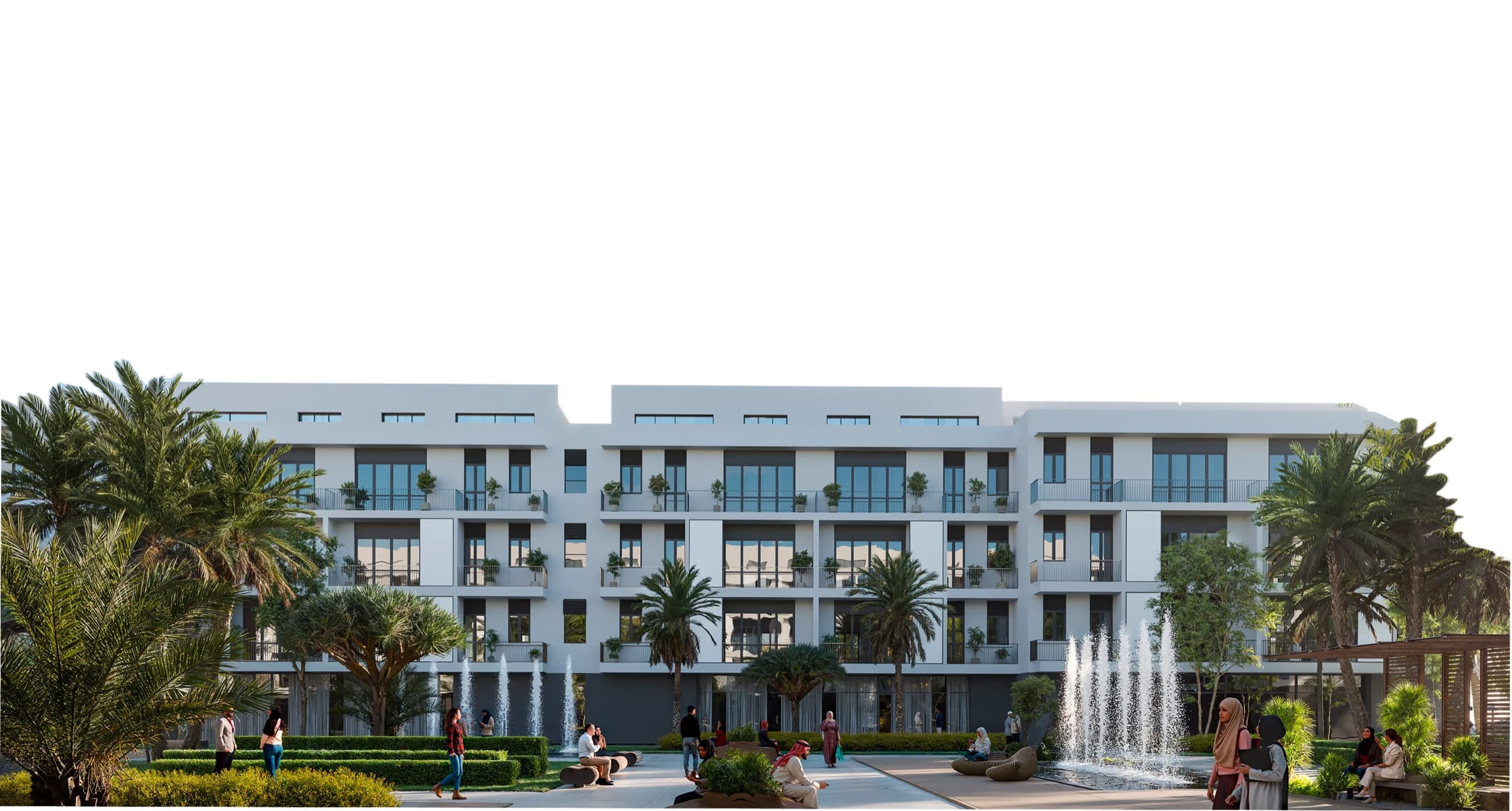
A project no longer has to live on our address. You can point a domain you own at it and have the viewer served from there, which is what you want when the development has its own marketing address.
Setting it up
The custom domain section sits in a project's settings. You enter the domain, apex or subdomain, and the page shows the DNS records to add at your registrar. Once they are in place you press verify, and the certificate is issued for you. There is nothing to install and nothing to renew.
A domain points at one project. Visitors who arrive on it see that project's showcase and nothing else, so the domain reads as the development's own site rather than a page inside a platform.
When a subscription lapses
Routing follows the subscription. If a project's subscription ends, the domain stops resolving, and the registration stays intact on our side. Paying again brings it straight back with no DNS work to redo.
Connecting a domain requires the project to have a live subscription.